mirror of
https://github.com/tw93/Mole.git
synced 2026-03-22 23:05:08 +00:00

Mole
Dig deep like a mole to clean your Mac.






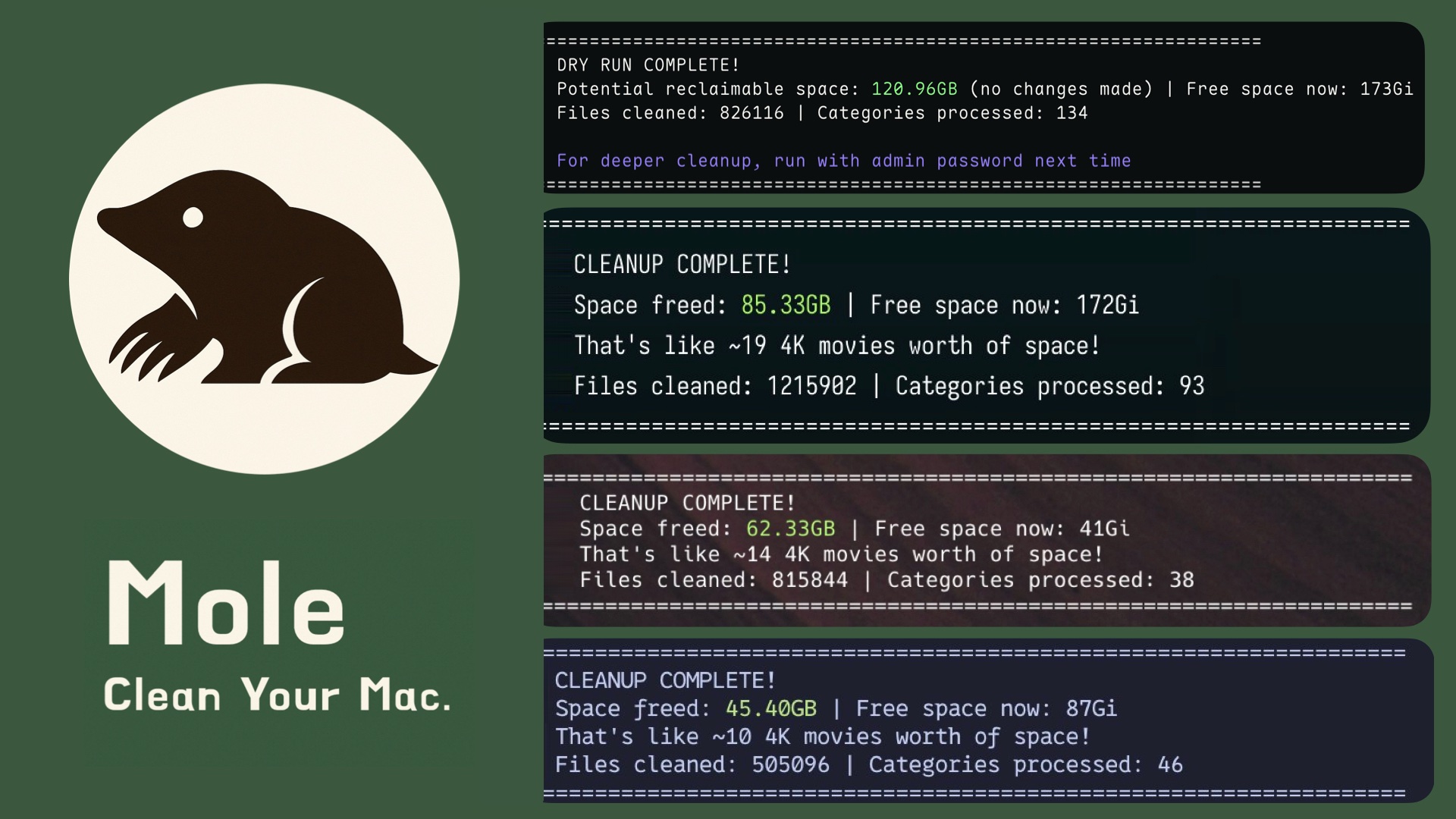
Features
- Deep System Cleanup - Remove hidden caches, logs, and temp files in one sweep
- Thorough Uninstall - 22+ locations cleaned vs 1 standard, beats CleanMyMac/Lemon
- Interactive Disk Analyzer - Navigate folders like a file manager, find and delete large files instantly
- Fast & Lightweight - Terminal-based, zero bloat, arrow-key navigation with pagination
- Touch ID Ready - Defaults to password prompts, works with Touch ID when sudo is configured
Quick Start
Tips:
- On mission-critical Macs, wait for Mole to mature, safety first
- 如果这台 Mac 对你非常重要,建议等 Mole 更成熟时来使用,安全第一
- I'm not very tech-savvy?Check 小白使用指南
Install:
curl -fsSL https://raw.githubusercontent.com/tw93/mole/main/install.sh | bash
Or via Homebrew:
brew install tw93/tap/mole
Run:
mo                      # Interactive menu
mo clean                # System cleanup
mo clean --dry-run      # Preview mode
mo clean --whitelist    # Manage protected caches
mo uninstall            # Uninstall apps
mo analyze              # Disk analyzer
mo update               # Update Mole
mo remove               # Remove Mole from system
mo --help               # Show help
mo --version            # Show installed version
If the command is not found, run
mo updateonce to upgrade to the latest version.Recommended start with
mo clean --dry-runto preview,mo clean --whitelistto protect caches
Features in Detail
Deep System Cleanup
$ mo clean

▶ System essentials
  ✓ User app cache (45.2GB)
  ✓ User app logs (2.1GB)
  ✓ Trash (12.3GB)

▶ Browser cleanup
  ✓ Chrome cache (8.4GB)
  ✓ Safari cache (2.1GB)

▶ Developer tools
  ✓ Xcode derived data (9.1GB)
  ✓ Node.js cache (14.2GB)

▶ Others
  ✓ Dropbox cache (5.2GB)
  ✓ Spotify cache (3.1GB)

====================================================================
CLEANUP COMPLETE!
Space freed: 95.50GB | Free space now: 223.5GB
====================================================================
Smart App Uninstaller
$ mo uninstall

Select Apps to Remove
═══════════════════════════
▶ ☑ Adobe Creative Cloud      (12.4G) | Old
  ☐ WeChat                    (2.1G) | Recent
  ☐ Final Cut Pro             (3.8G) | Recent

Uninstalling: Adobe Creative Cloud
  ✓ Removed application              # /Applications/
  ✓ Cleaned 52 related files         # ~/Library/ across 12 locations
    - Support files & caches         # Application Support, Caches
    - Preferences & logs             # Preferences, Logs
    - WebKit storage & cookies       # WebKit, HTTPStorages
    - Extensions & plugins           # Internet Plug-Ins, Services
    - System files with sudo         # /Library/, Launch daemons

====================================================================
UNINSTALLATION COMPLETE!
Space freed: 12.8GB
====================================================================
Disk Space Analyzer
$ mo analyze

Analyzing: /Users/You
═══════════════════════════════════════════════════════
Total: 156.8GB

├─ 📁 Library                                        45.2GB
│  ├─ 📁 Caches                                      28.4GB
│  └─ 📁 Application Support                         16.8GB
├─ 📁 Downloads                                      32.6GB
│  ├─ 📄 Xcode-14.3.1.dmg                            12.3GB
│  ├─ 📄 backup_2023.zip                             8.6GB
│  └─ 📄 old_projects.tar.gz                         5.2GB
├─ 📁 Movies                                         28.9GB
│  ├─ 📄 vacation_2023.mov                           15.4GB
│  └─ 📄 screencast_raw.mp4                          8.8GB
├─ 📁 Documents                                      18.4GB
└─ 📁 Desktop                                        12.7GB
FAQ
- Is Mole safe? – Mole focuses on cleaning caches and logs, without touching app settings, user documents, or system files. You can run
mo clean --dry-runto preview what will be removed before actually cleaning. - How often should I clean? – About once a month, or whenever you notice disk space running low.
- Can I protect specific caches? – Yes. Run
mo clean --whitelistto interactively choose which caches to keep. Some common ones like Playwright browsers and HuggingFace models are already protected by default. - Does Mole support Touch ID? – Mole elevates through
sudo, so expect a password prompt unless yoursudoalready supports Touch ID.
Support
- Star this repo if Mole helped you recover disk space
- Share with friends who need to clean their Macs
- Report issues via GitHub Issues
- I have two cats, feed them canned food if you'd like
License
MIT License - feel free to enjoy and participate in open source.