mirror of
https://github.com/tw93/Mole.git
synced 2026-03-23 03:10:08 +00:00

Mole
Dig deep like a mole to clean your Mac.






由于 Mole 还在中级版本,如果这台 Mac 对你非常重要,建议再等等。
Features
- Deep System Cleanup - Cleans way more junk than CleanMyMac/Lemon - caches, logs, temp files
- Thorough Uninstall - Scans 22+ locations to remove app leftovers, not just the .app file
- Interactive Disk Analyzer - Navigate folders with arrow keys, find and delete large files quickly
- Fast & Lightweight - Terminal-based with arrow-key navigation, pagination, and Touch ID support
Quick Start
Install:
curl -fsSL https://raw.githubusercontent.com/tw93/mole/main/install.sh | bash
Or via Homebrew:
brew install tw93/tap/mole
Run:
mo                      # Interactive menu
mo clean                # System cleanup
mo clean --dry-run      # Preview mode
mo clean --whitelist    # Manage protected caches
mo uninstall            # Uninstall apps
mo analyze              # Disk analyzer

mo touchid              # Configure Touch ID for sudo
mo update               # Update Mole
mo remove               # Remove Mole from system
mo --help               # Show help
mo --version            # Show installed version
Tips
- Safety first, if your Mac is mission-critical, wait for Mole to mature before full cleanups.
- Preview the cleanup by running
mo clean --dry-runand reviewing the generated list. - Protect caches with
mo clean --whitelist; defaults cover Playwright, HuggingFace, Maven, and Surge Mac paths. - Use
mo touchidto approve sudo with Touch ID instead of typing your password.
Quick Launchers
One command sets up Raycast + Alfred shortcuts for mo clean and mo uninstall:
curl -fsSL https://raw.githubusercontent.com/tw93/mole/main/integrations/setup-quick-launchers.sh | bash
Done! Raycast gets clean / uninstall, Alfred gets the same keywords.
Details and manual options live in integrations/README.md.
Features in Detail
Deep System Cleanup
$ mo clean

▶ System essentials
  ✓ User app cache (45.2GB)
  ✓ User app logs (2.1GB)
  ✓ Trash (12.3GB)

▶ Browser cleanup
  ✓ Chrome cache (8.4GB)
  ✓ Safari cache (2.1GB)

▶ Developer tools
  ✓ Xcode derived data (9.1GB)
  ✓ Node.js cache (14.2GB)

▶ Others
  ✓ Dropbox cache (5.2GB)
  ✓ Spotify cache (3.1GB)

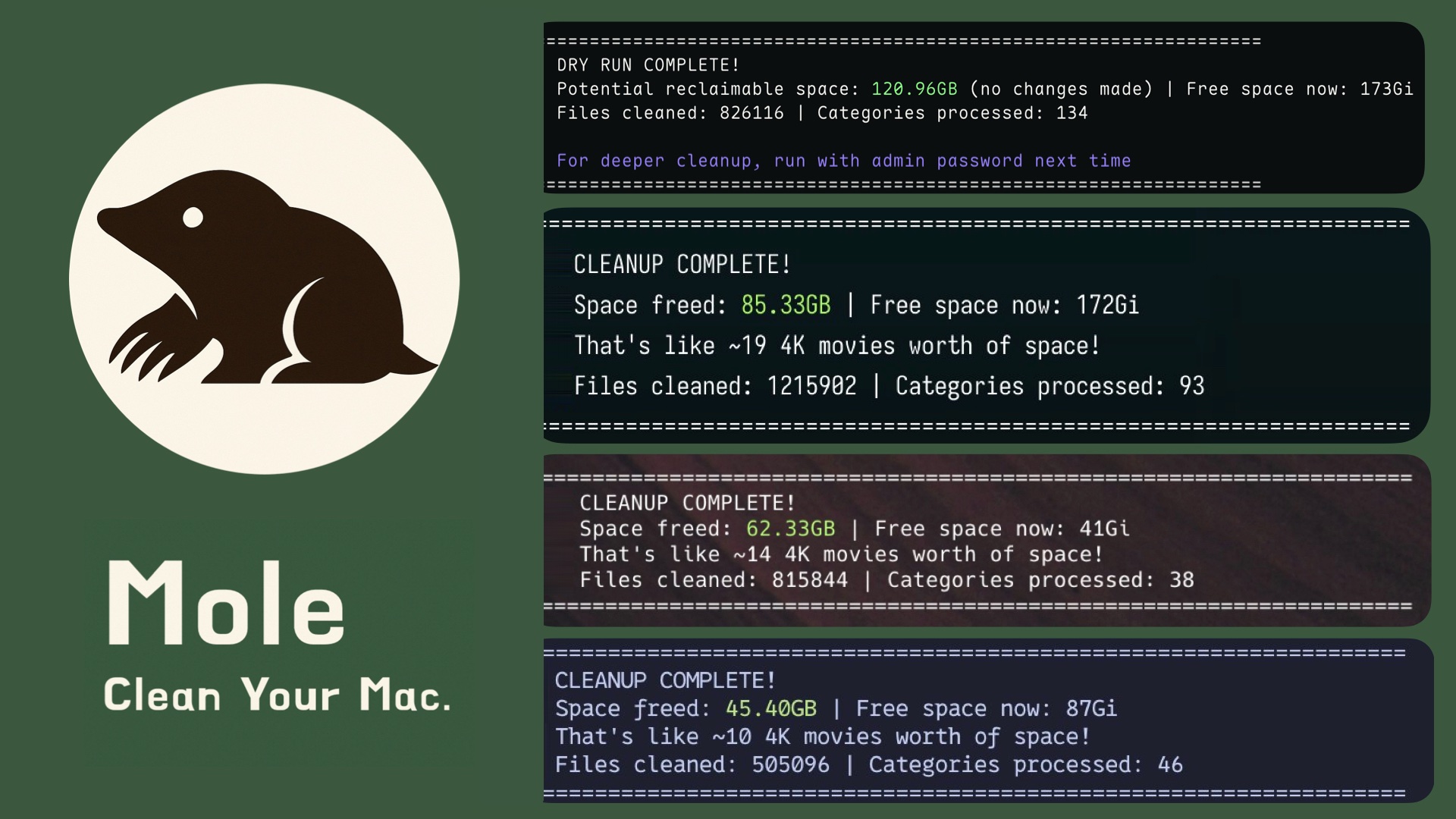
====================================================================
CLEANUP COMPLETE!
Space freed: 95.50GB | Free space now: 223.5GB
====================================================================
Smart App Uninstaller
$ mo uninstall

Select Apps to Remove
═══════════════════════════
▶ ☑ Adobe Creative Cloud      (12.4G) | Old
  ☐ WeChat                    (2.1G) | Recent
  ☐ Final Cut Pro             (3.8G) | Recent

Uninstalling: Adobe Creative Cloud
  ✓ Removed application              # /Applications/
  ✓ Cleaned 52 related files         # ~/Library/ across 12 locations
    - Support files & caches         # Application Support, Caches
    - Preferences & logs             # Preferences, Logs
    - WebKit storage & cookies       # WebKit, HTTPStorages
    - Extensions & plugins           # Internet Plug-Ins, Services
    - System files with sudo         # /Library/, Launch daemons

====================================================================
UNINSTALLATION COMPLETE!
Space freed: 12.8GB
====================================================================
Disk Space Analyzer
$ mo analyze

Analyzing: /Users/You
═══════════════════════════════════════════════════════
Total: 156.8GB

├─ 📁 Library                                        45.2GB
│  ├─ 📁 Caches                                      28.4GB
│  └─ 📁 Application Support                         16.8GB
├─ 📁 Downloads                                      32.6GB
│  ├─ 📄 Xcode-14.3.1.dmg                            12.3GB
│  ├─ 📄 backup_2023.zip                             8.6GB
│  └─ 📄 old_projects.tar.gz                         5.2GB
├─ 📁 Movies                                         28.9GB
│  ├─ 📄 vacation_2023.mov                           15.4GB
│  └─ 📄 screencast_raw.mp4                          8.8GB
├─ 📁 Documents                                      18.4GB
└─ 📁 Desktop                                        12.7GB
The analyzer now runs inside a Go/Bubble Tea TUI: use arrow keys + Enter to drill into folders, Backspace to go up,
rto refresh, andqto quit. Large files and occupancy bars refresh after each scan so you can see the heaviest items immediately.
Support
- If Mole reclaimed storage for you, consider starring the repo or sharing it with friends needing a cleaner Mac.
- Have ideas or fixes? Open an issue or PR and help shape Mole's roadmap together with the community.
- Love cats? Treat Tangyuan and Cola to canned food via this link and keep the mascots purring.
License
MIT License - feel free to enjoy and participate in open source.