## Features
1. All-in-one toolkit equal to CleanMyMac + AppCleaner + DaisyDisk + Sensei + iStat in one trusted binary.
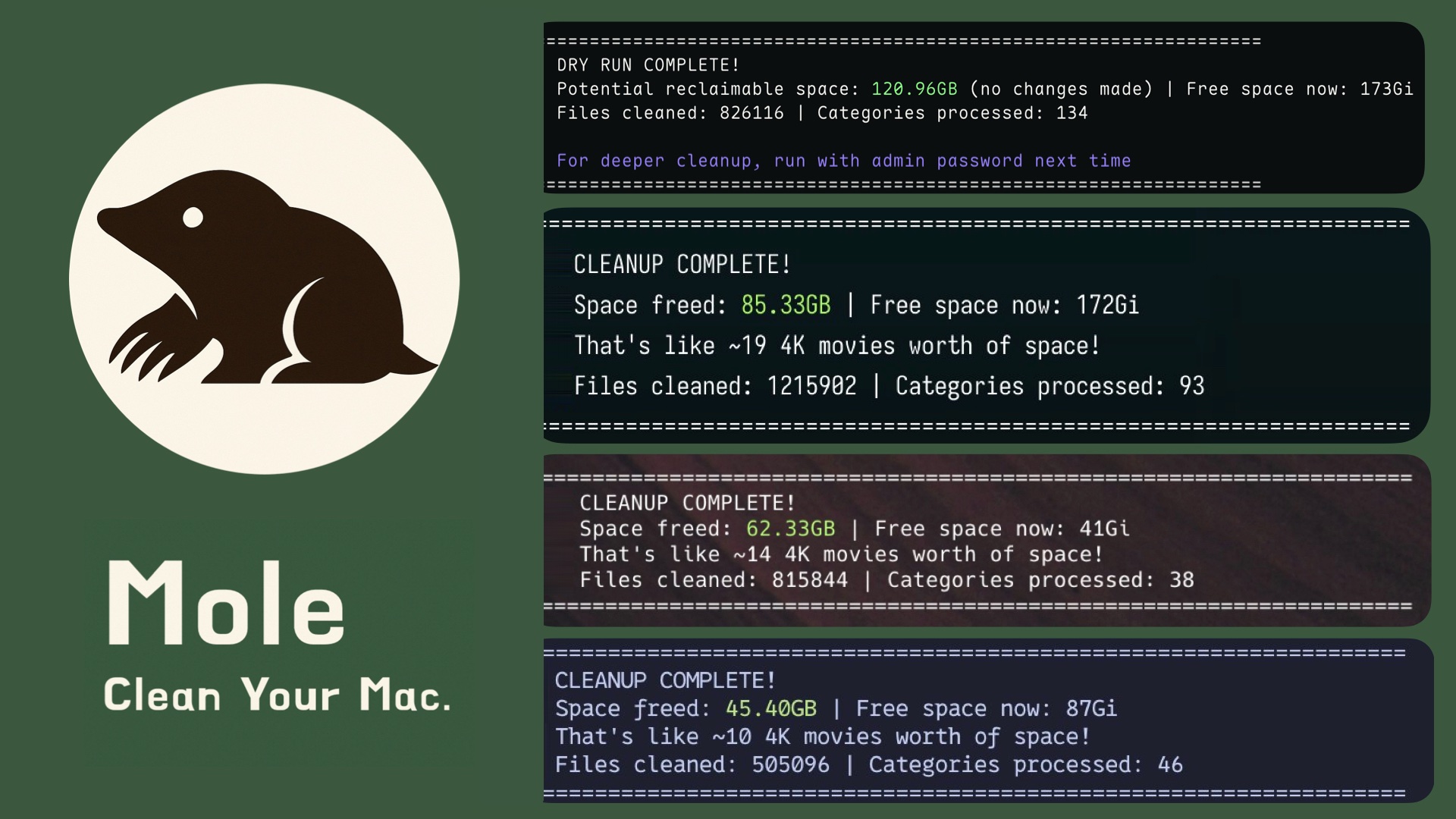
2. Deep cleanup finds and removes caches, temp files, browser leftovers, and junk to free up tens of gigabytes.
3. Smart uninstall finds app bundles plus launch agents, settings, caches, logs, and leftover files.
4. Disk insight + optimization show large files, display folders, rebuild caches, clean swap, refresh services.
5. Live status shows CPU, GPU, memory, disk, network, battery, and proxy data so you can find problems.
## Quick Start
**Install:**
```bash
curl -fsSL https://raw.githubusercontent.com/tw93/mole/main/install.sh | bash
```
Or via Homebrew:
```bash
brew install tw93/tap/mole
```
**Run:**
```bash
mo # Interactive menu
mo clean # Deep cleanup
mo clean --dry-run # Preview cleanup plan
mo clean --whitelist # Adjust protected caches
mo uninstall # Remove apps + leftovers
mo optimize # Refresh caches & services
mo analyze # Visual disk explorer
mo status # Live system health dashboard
mo touchid # Configure Touch ID for sudo
mo update # Update Mole
mo remove # Remove Mole from system
mo --help # Show help
mo --version # Show installed version
```
## Tips
- Safety first, if your Mac is very important, wait for Mole to become stable before full cleanups.
- Preview the cleanup by running `mo clean --dry-run` and reviewing the list.
- Use `mo clean --whitelist` to manage protected caches.
- Use `mo touchid` to approve sudo with Touch ID instead of typing your password.
- Prefer Vim-style navigation? All menus understand `h/j/k/l` in addition to the arrow keys.
## Features in Detail
### Deep System Cleanup
```bash
$ mo clean
Scanning cache directories...
✓ User app cache 45.2GB
✓ Browser cache (Chrome, Safari, Firefox) 10.5GB
✓ Developer tools (Xcode, Node.js, npm) 23.3GB
✓ System logs and temp files 3.8GB
✓ App-specific cache (Spotify, Dropbox, Slack) 8.4GB
✓ Trash 12.3GB
====================================================================
Space freed: 95.5GB | Free space now: 223.5GB
====================================================================
```
### Smart App Uninstaller
```bash
$ mo uninstall
Select Apps to Remove
═══════════════════════════
▶ ☑ Adobe Creative Cloud (12.4G) | Old
☐ WeChat (2.1G) | Recent
☐ Final Cut Pro (3.8G) | Recent
Uninstalling: Adobe Creative Cloud
✓ Removed application
✓ Cleaned 52 related files across 12 locations
- Application Support, Caches, Preferences
- Logs, WebKit storage, Cookies
- Extensions, Plugins, Launch daemons
====================================================================
Space freed: 12.8GB
====================================================================
```
### System Optimization
```bash
$ mo optimize
System: 5/32 GB RAM | 333/460 GB Disk (72%) | Uptime 6d
✓ Rebuild system databases and clear caches
✓ Reset network services
✓ Refresh Finder and Dock
✓ Clean diagnostic and crash logs
✓ Remove swap files and restart dynamic pager
✓ Rebuild launch services and spotlight index
====================================================================
System optimization completed
====================================================================
```
### Disk Space Analyzer
```bash
$ mo analyze
Analyze Disk ~/Documents | Total: 156.8GB
▶ 1. ███████████████████ 48.2% | 📁 Library 75.4GB >6mo
2. ██████████░░░░░░░░░ 22.1% | 📁 Downloads 34.6GB
3. ████░░░░░░░░░░░░░░░ 14.3% | 📁 Movies 22.4GB
4. ███░░░░░░░░░░░░░░░░ 10.8% | 📁 Documents 16.9GB
5. ██░░░░░░░░░░░░░░░░░ 5.2% | 📄 backup_2023.zip 8.2GB
↑↓←→ Navigate | O Open | F Show | ⌫ Delete | L Large(24) | Q Quit
```
### Live System Status
Real-time dashboard with system health score, hardware info, and performance metrics.
```bash
$ mo status
Mole Status Health ● 92 MacBook Pro · M4 Pro · 32GB · macOS 14.5
⚙ CPU ▦ Memory
Total ████████████░░░░░░░ 45.2% Used ███████████░░░░░░░ 58.4%
Load 0.82 / 1.05 / 1.23 (8 cores) Total 14.2 / 24.0 GB
Core 1 ███████████████░░░░ 78.3% Free ████████░░░░░░░░░░ 41.6%
Core 2 ████████████░░░░░░░ 62.1% Avail 9.8 GB
▤ Disk ⚡ Power
Used █████████████░░░░░░ 67.2% Level ██████████████████ 100%
Free 156.3 GB Status Charged
Read ▮▯▯▯▯ 2.1 MB/s Health Normal · 423 cycles
Write ▮▮▮▯▯ 18.3 MB/s Temp 58°C · 1200 RPM
⇅ Network ▶ Processes
Down ▮▮▯▯▯ 3.2 MB/s Code ▮▮▮▮▯ 42.1%
Up ▮▯▯▯▯ 0.8 MB/s Chrome ▮▮▮▯▯ 28.3%
Proxy HTTP · 192.168.1.100 Terminal ▮▯▯▯▯ 12.5%
```
Health score calculated from CPU, memory, disk, temperature, and I/O load. Color-coded by range.
## Quick Launchers
Launch Mole commands instantly from Raycast or Alfred:
```bash
curl -fsSL https://raw.githubusercontent.com/tw93/Mole/main/scripts/setup-quick-launchers.sh | bash
```
Adds 5 commands: `clean`, `uninstall`, `optimize`, `analyze`, `status`. Finds your terminal automatically or set `MO_LAUNCHER_APP=` to override.
Reload Raycast by running `Reload Script Directories`, or simply restarting Raycast.
## Support
- If Mole freed storage for you, consider starring the repo or sharing it with friends needing a cleaner Mac.
- Have ideas or fixes? Open an issue or PR and help shape Mole's future together with the community.
- Love cats? Treat Tangyuan and Cola to canned food via this link and keep the mascots purring.
## License
MIT License - feel free to enjoy and participate in open source.